





Table of Contents
- 1.
- 1.1
- 1.2
- 1.3
- 2.
- 2.1
- 2.2
- 2.3
- 2.4
- 2.5
- 2.6
- 2.7
- 2.8
- 2.9
- 2.10
- 3.
- 3.1
- 4.
- 4.1
- 4.2
- 4.3
- 5.
- 6.
- 7.
- 8.
- 8.1
- 9.
- 9.1
- 10.
- 11.
- 12.
- 13.
- 14.
- 15.
UI/UX design continues to be one of the fastest-growing creative-tech careers worldwide. With thousands of fresh graduates, online learners, and self-taught designers entering the field every year, the competition is stronger than ever. To crack a UI/UX Designer interview, you need more than creativity or software skills; you need clarity of fundamentals, structured thinking, portfolio storytelling, and the confidence to defend your design decisions using logic, psychology, and data.
This complete guide walks you through everything interviewers expect in 2025: UI vs UX basics, career paths, design thinking, real interview questions, UX laws, accessibility, design systems, visual hierarchy, user research, metrics, and more.
Let’s dive deep into becoming a standout UI UX Designer.
1. UI vs UX: Get Your Basics Crystal Clear
Every UI/UX interview, literally every single one, starts with this foundational question. If you can explain UI vs UX clearly, your confidence shines and it sets the tone for the rest of the interview.
Understanding the difference between UI and UX is essential for any design, product, or front-end role. While UI (User Interface) focuses on what users see, UX (User Experience) focuses on what users experience while using a product.
1.1 What UI (User Interface) Includes
UI deals with the visual and interactive elements:
- Buttons
- Color palettes
- Typography
- Layouts
- Icons
- Grids & spacing
- Visual hierarchy
- Responsiveness
1.2 What UX (User Experience) Includes
UX focuses on the emotional and functional journey:
- Usability
- Interaction flow
- Ease of navigation
- User satisfaction
- Task-success rate
- Behavioural insights
- Frictions and motivations
1.3 The Golden Explanation Interviewers Love
“UI is what the user sees. UX is what the user experiences.”
If your fundamentals are strong, you communicate ideas better, solve problems logically, and appear naturally confident, exactly what interviewers expect from a strong UI UX Designer.
Further Reading: Nielsen Norman Group (NN/g) on UI vs UX
2. Career Paths in UI/UX Design
UI/UX design is booming globally. Companies are shifting to user-centric products, creating massive demand for skilled UI UX Designers. No matter your background tech, non-tech, arts, business this field offers multiple high-growth career paths.
Below are the most in-demand roles in 2025.
2.1 UI Designer (User Interface Designer)
A UI Designer shapes the visual experience of digital products. This role is perfect for people who love aesthetics, layouts, and modern design styles.
A UI Designer works on:
- Screen layouts
- Color palettes & branding
- Typography styling
- Visual components
- Buttons, sliders, menus, cards
- Responsive web design
- High-fidelity mockups
- Design systems
Ideal for creatives who love visuals.
2.2 UX Designer (User Experience Designer)
A UX Designer ensures the product is smooth, usable, logical, and meaningful. They design user flows and structure the product experience.
You’ll work on:
- Wireframes
- Low & high-fidelity prototypes
- User personas
- Customer journeys
- Information architecture
- Usability testing
- Research-backed decisions
Perfect for analytical thinkers who enjoy problem-solving.
2.3 UX Researcher
A UX Researcher studies how users think, behave, and interact. They provide insights that guide UI/UX decisions.
You’ll work on:
- User interviews
- Surveys
- Competitor audits
- Behaviour studies
- Usability observations
- Data-backed insights
Great for people who love psychology + analytics.
2.4 Product Designer
This is a hybrid UI + UX + strategy role. Product Designers work closely with business teams and engineers.
You’ll handle:
- Feature design
- Roadmaps
- End-to-end product experience
- UI components
- Problem-solving at business level
Ideal for those aiming for leadership.
2.5 Interaction Designer (IxD)
IxD designers specialise in micro-interactions, animations, gestures, and transitions.
You’ll work on:
- Motion design
- Gestures & haptic feedback
- Micro-interactions
- Behavior-led animations
Great for creatives who love motion design.
2.6 Visual Designer
Visual Designers handle branding, illustrations, marketing creatives, and high-end visual storytelling.
You’ll work on:
- Icons
- Illustrations
- Marketing campaigns
- Brand identity
- Story-driven design
Perfect for artistic minds.
2.7 UX Writer / Content Designer
Words inside digital products matter. UX Writers craft micro-copy that guides users.
You’ll create:
- Button copy
- Onboarding text
- Error messages
- UI labels
- Chatbot scripts
Ideal for storytellers.
2.8 Information Architect (IA)
IA specialists organize digital information so users easily find what they need.
You’ll work on:
- Navigation
- Content grouping
- Categorization
- UX flows
Great for people who love clarity & structure.
2.9 Design System Specialist
Brands today need consistent UI across products. That’s where design systems come in.
You’ll create:
- Component libraries
- Style guidelines
- Tokens (spacing, colors, typography)
- Patterns
2.10 UI/UX Design Lead / Manager
With experience, you can grow into leadership roles.
Responsibilities include:
- Managing design teams
- Stakeholder presentations
- Portfolio reviews
- Strategic decisions
- Cross-functional collaboration
3. The Design Thinking Model
The Design Thinking framework is one of the most popular methodologies used in product design.
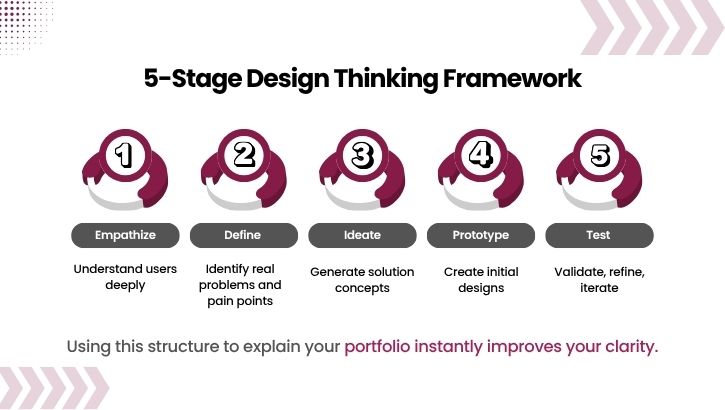
The 5 Stages of Design Thinking
- Empathize – Understand users deeply
- Define – Identify key user pain points
- Ideate – Brainstorm solution ideas
- Prototype – Build early versions
- Test – Validate with real users
Using this structure in your portfolio storytelling instantly makes you look more mature and industry-ready.
4. UX Principles Every Designer Must Know
These are often tested in interviews.
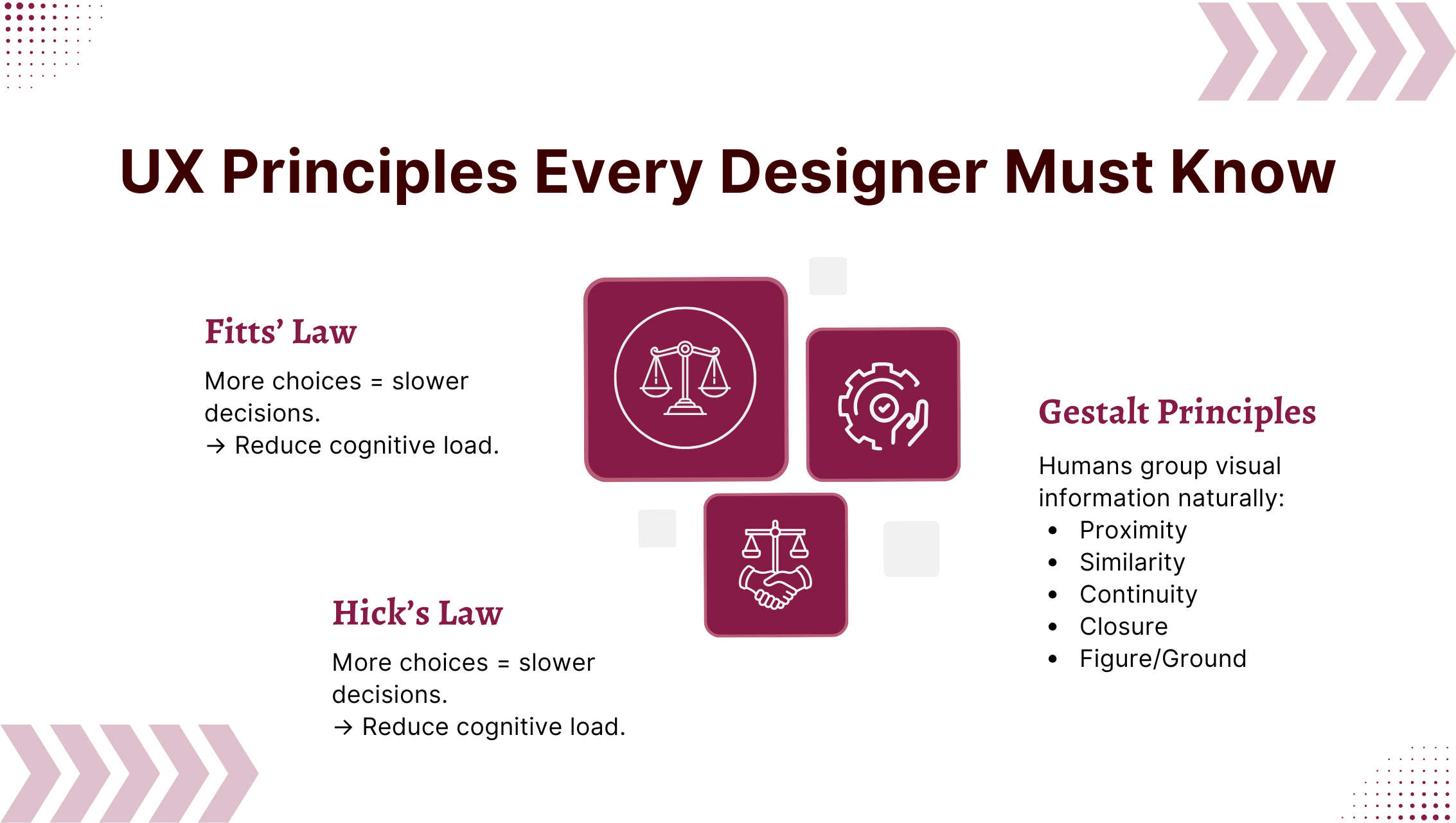
Fitts’s Law
The time to click a target depends on its size + distance.
→ Make primary CTAs large and reachable.
Hick’s Law
More choices = slower decisions.
→ Reduce cognitive load.
Gestalt Principles
Humans group visual information naturally:
- Proximity
- Similarity
- Continuity
- Closure
- Figure/Ground
These principles form the core of visual decision-making.
5. Real-World UX Application
Scenario: Redesigning a job portal with high registration drop-offs.
Your interview-ready solution:
- Simplify form fields
- Highlight primary CTA
- Reduce steps
- Add micro-copy (clarity text)
- Improve visual hierarchy
- Add progress indicators
Real-world examples make you instantly credible.
6. Visual Hierarchy: A Core UI Skill
Most users don’t read they scan. Strong visual hierarchy helps users focus on what matters.
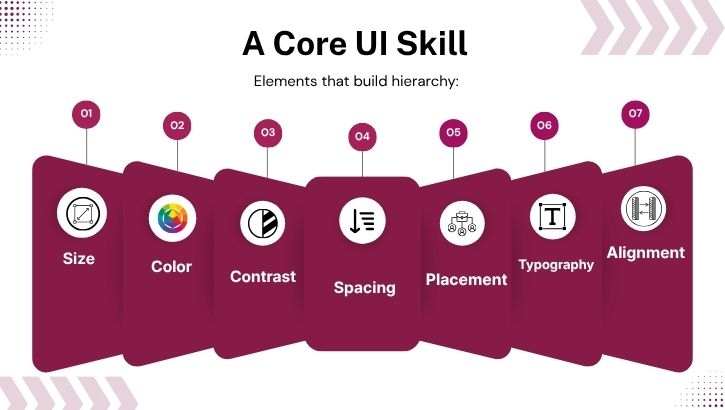
Hierarchy depends on:
- Size
- Contrast
- Color
- Alignment
- White space
- Typography
- Layout
Interviewers want to hear “why” behind your decisions, not just “what.”
7. User Research: How to Explain Your Process
A solid answer includes:
- User interviews
- Surveys
- Personas
- Journey mapping
- Competitor analysis
- Usability testing
A structured research explanation makes you sound like a senior UI UX Designer.
8. Accessibility: A Must-Have Skill for a UI UX Designer in 2025
Great designers build inclusive products. Accessibility is not optional.
Accessibility checklist:
- High color contrast
- Alt text
- ARIA labels
- Keyboard navigation
- Legible fonts
- Avoid color-only information
9. Design Systems: A High-Value Interview Topic
Design systems ensure seamless UI consistency across a brand.
Include in your explanation:
- Color tokens
- Spacing rules
- Typography scale
- Component library
- Interaction patterns
- Documentation
Design system knowledge shows that you think like a product-level designer.
10. Describe Your Favorite Product UX
Pick a well-known app and break it down using UX laws.
Example: Zomato
- Clean onboarding
- Personalized suggestions
- Fast filtering
- Strong visual hierarchy
- Clear CTAs
- Smooth navigation
Demonstrate analytical thinking.
11. How Do You Measure the Success of Your Design?
Interviewers expect metrics.
Examples:
- Task completion rate
- Drop-off rate
- User satisfaction
- Time on task
- CTR
- Conversion rate
- NPS
This shows you design for outcomes, not just aesthetics.
12. Responsive Design: A Practical Must-Have Skill
A UI UX Designer should explain:
- Mobile-first approach
- Fluid grids
- Flexible images
- Adaptive navigation
- Common breakpoints
- Consistency across devices
Companies prioritize designers who understand real-world constraints.
13. Why Choose UI/UX as a Career?
A strong answer should include:
- Creativity
- Problem-solving
- Empathy
- Data-driven thinking
- Passion for improving user experiences
This question tests your motivation and clarity.
14. Mock Interview Learnings
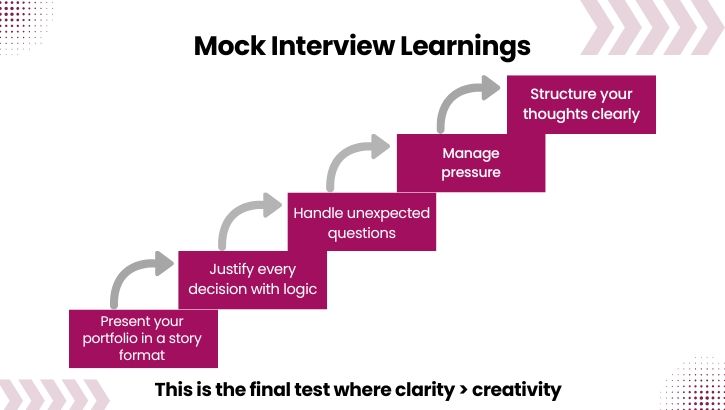
- Present your portfolio with clarity
- Justify decisions logically
- Handle unexpected questions
- Structure your thoughts
- Communicate confidently
- Manage pressure
In interviews, clarity > creativity.
Conclusion
Your Path to Becoming a Strong UI UX Designer in 2025
To crack any UI/UX Designer interview, focus on:
- Solid fundamentals
- Clear communication
- Design Thinking-based portfolio
- Real-world problem solving
- UX laws & accessibility
- System thinking
- Research-backed decisions
- Strong metrics
- Continuous practice
With deliberate preparation and real-world clarity, you can confidently secure UI/UX design roles across startups, digital agencies, product companies, and top multinational organizations.
Take FREE UI/UX Skill Tests and get certifications