
Did you know that over 90% of pages get zero organic traffic from Google
One major reason is poor indexing: Google simply doesn’t discover or understand many pages on a website. That’s where a sitemap becomes a powerful SEO tool.
A sitemap gives search engines a clear roadmap of your website, guiding them to your most important pages. Whether you run a small business site or a large e-commerce platform, a sitemap improves crawlability, speeds up indexing, and boosts your overall SEO performance.
In this guide, you’ll learn what a sitemap is, why it’s essential for , how it works, the different types, best practices, how to submit it to Google, and common mistakes to avoid. With real examples, stats, and expert insights, this guide will help you set up a sitemap that strengthens both SEO and user experience.
A sitemap is a file that lists all the key pages on your website and helps search engines understand your site’s structure. Think of it as a website blueprint that tells Google:
Search engines discover pages by following links. When pages are buried deep within your site or have few internal links, they may never be crawled. A sitemap gives Googlebot a direct directory of every important URL, improving crawl efficiency and ensuring your content gets indexed faster.
Large websites, especially e-commerce stores, benefit immensely because they frequently add new product pages that need quick discovery.
If you frequently publish blogs, product pages, service updates and Landing pages, a sitemap becomes essential.
Example: News websites and large blogs that publish hourly updates rely heavily on sitemaps for faster visibility. Sitemaps What Is a Sitemap notify search engines whenever new content is added, reducing indexing delays
XML sitemaps are the industry standard for SEO. They structure data in a format that search engines easily understand. An XML sitemap includes:
HTML sitemaps are designed for users. They list your site’s pages in a clean, clickable format that improves navigation. They’re especially helpful for:
HTML sitemaps improve user experience What Is a Sitemap, which indirectly supports SEO.
Your sitemap should always reflect your current website structure. Whenever you:
your sitemap should update automatically.
Tools like :
update sitemaps in real time.
Duplicate URLs waste crawl budgets and confuse Google. Make sure your sitemap includes:
Use tools like Screaming Frog or Sitebulb to audit your sitemap for issues.
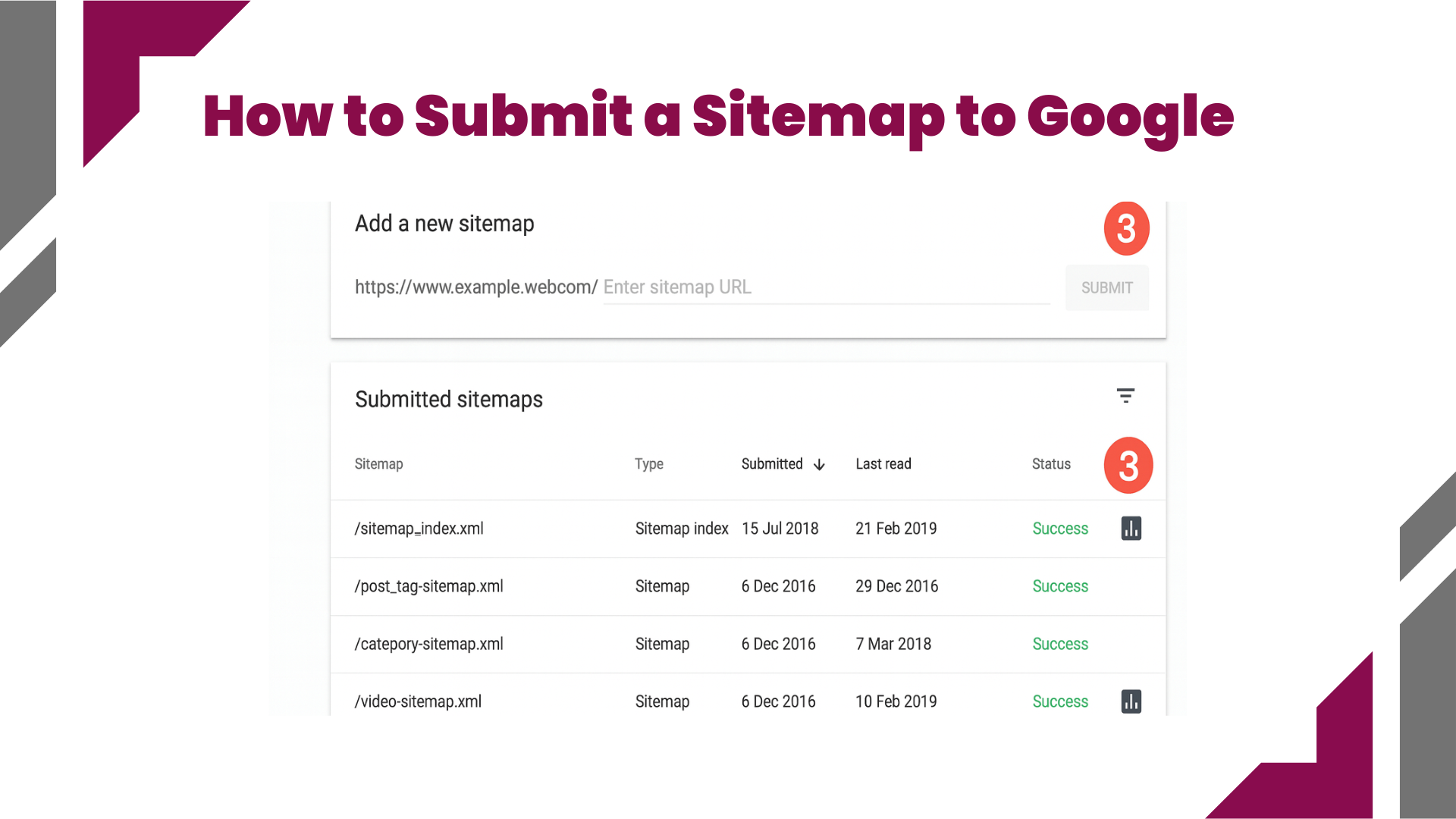
Submitting your sitemap is simple:
Google will then crawl your URLs, identify errors, and show which pages are indexed.
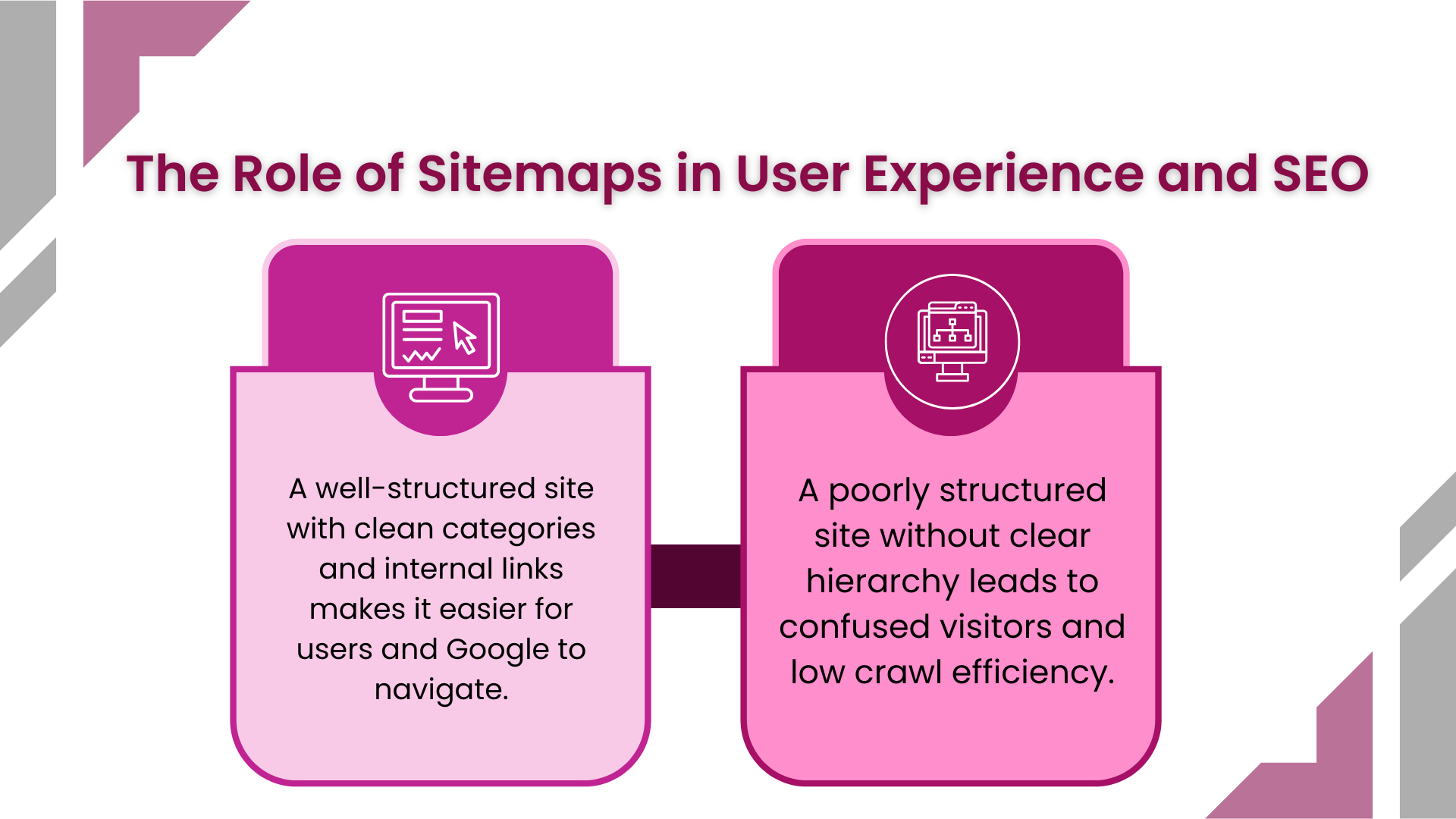
A sitemap improves both user experience and search engine understanding. For What Is a Sitemap example:
HTML sitemaps offer a visual navigation map that complements your menu and footer structure.
Some websites forget to include crucial URLs like:
Always audit your sitemap to ensure everything important is indexed.
Poorly formatted XML files can cause Google to reject your sitemap. Avoid:
Use Google’s free testing tool to validate your sitemap:
https://support.google.com/webmasters/answer/183668
A sitemap is more than a technical requirement; it’s a core element of strong SEO. It ensures Google can find, crawl, and index your content efficiently, which directly affects your visibility and ranking opportunities. Whether you run a simple website or a large e-commerce store, a sitemap improves SEO performance, user experience, and long-term growth. If you want faster indexing, cleaner structure, and stronger SEO results, start by optimizing your sitemap today.