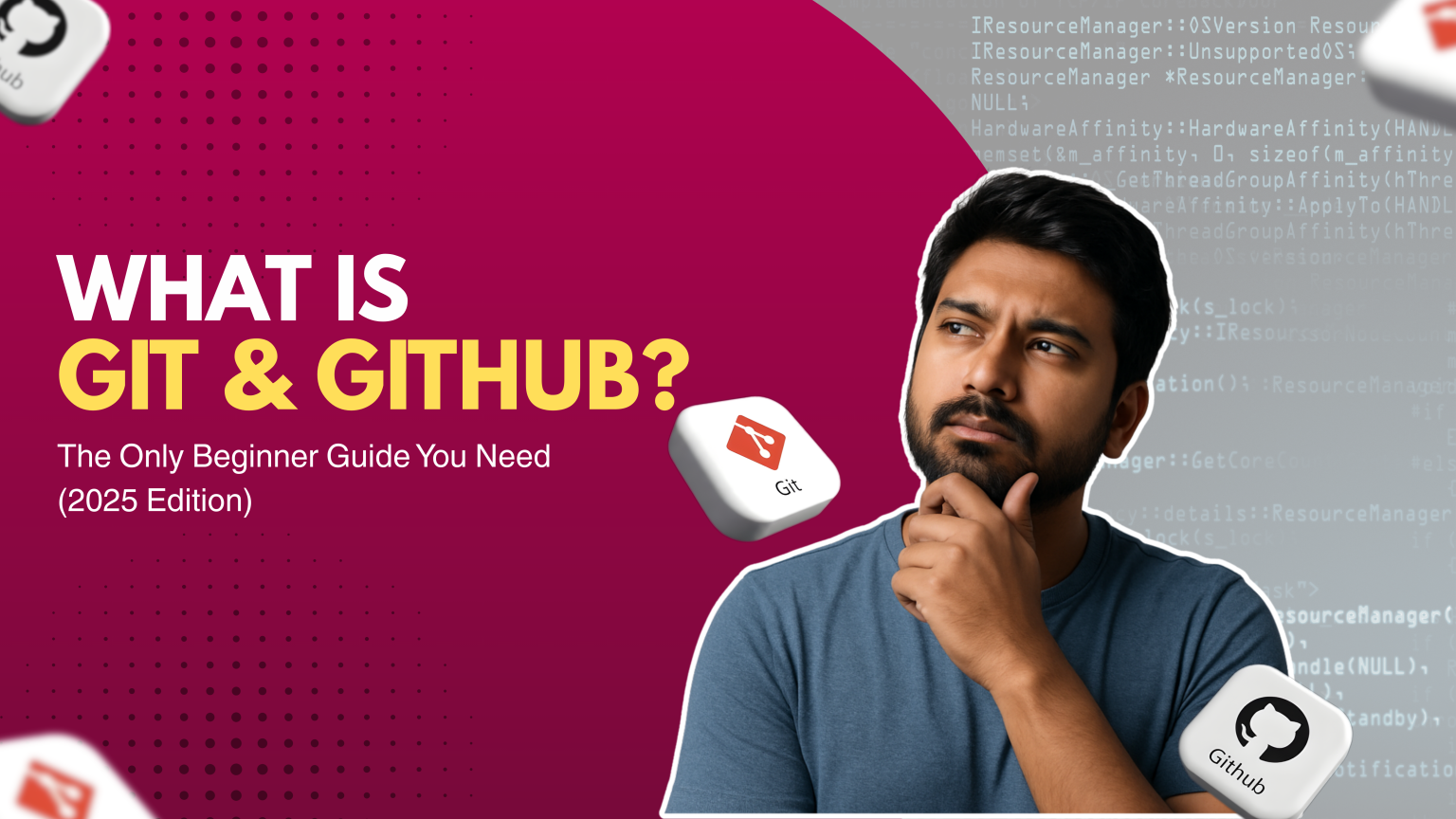
If you’re beginning your journey in Full Stack Development, MERN stack, or AI-powered development, the first question you must understand is “What is Git & GitHub?” These two tools are essential for coding, collaboration, version control, and building a professional developer portfolio. Mastering Git and GitHub early helps beginners track code changes, work smoothly with teams, and showcase real projects that impress recruiters in 2025.
This guide explains everything in simple terms perfect for absolute beginners.
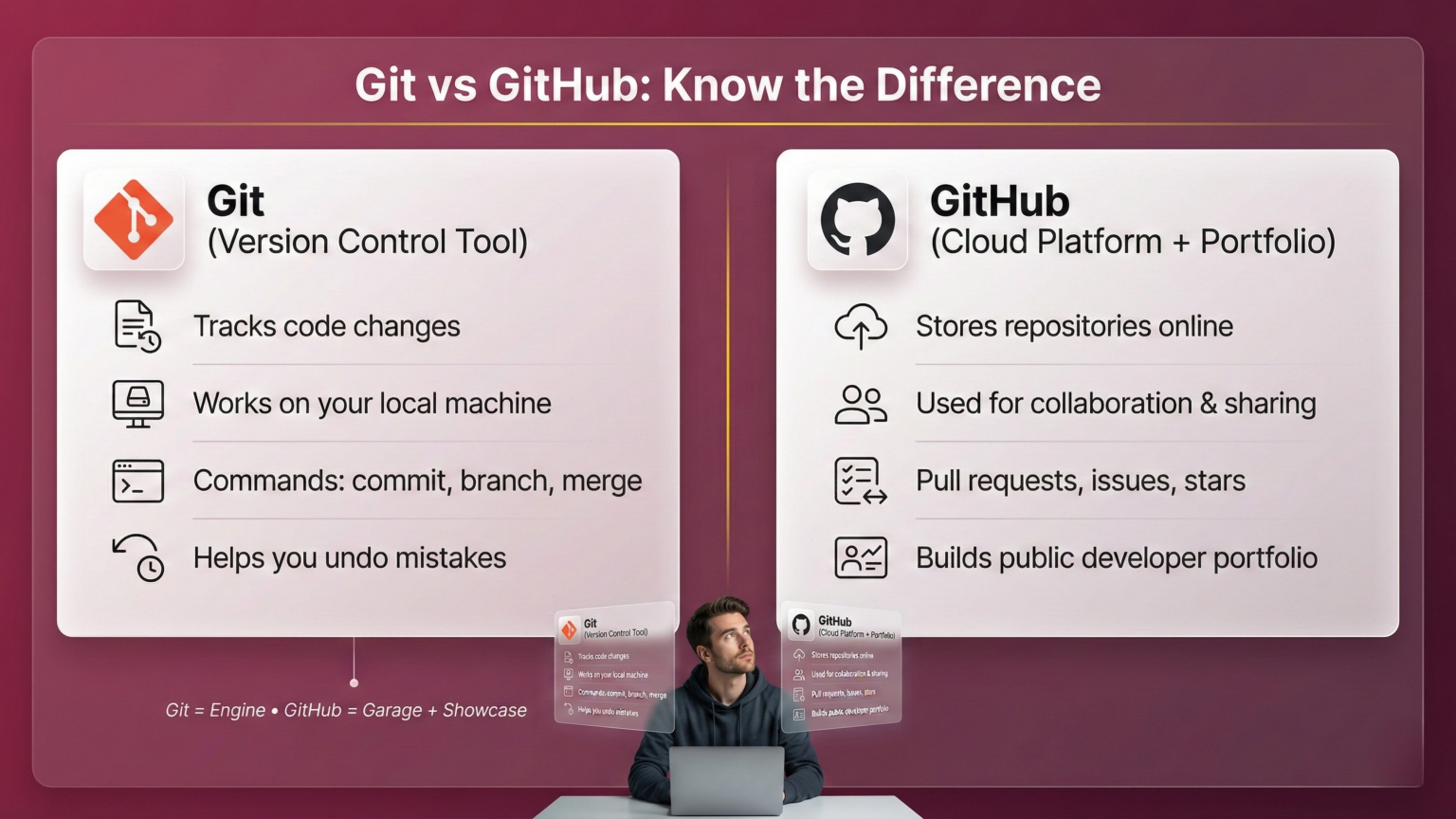
Git is a version control system that tracks changes in your code.
Think of Git like a time machine for developers:
With Git, you can:
Save versions of your code
Track updates
Undo mistakes
Work on new features safely
Collaborate with others
In short:
Git helps you manage your project’s history and avoid losing code.
GitHub is a cloud platform where you store your Git repositories online.
Git = Tool
GitHub = Online storage + collaboration platform
GitHub lets you:
In short:
GitHub is like social media for developers but for code.
If you want a developer job in 2025, GitHub is non-negotiable.
Here are the must-know Git commands for every fresher.
git init
Starts Git in your project.
git status
git add .
git commit -m “Your message”
git remote add origin <repository-url>
git push -u origin main
git pull
git clone <repo-url>
git log
These commands alone are enough for a beginner to manage projects confidently.
A branch is a separate workspace where you build features without touching the main project.
Example:
Why branches are useful:
Common Branch Commands:
git branch new-feature
git checkout new-feature
git checkout -b new-feature
git merge new-feature
GitHub is your new resume.
Top companies check your GitHub activity before interviews.
Here’s how to make it strong:
1. Upload ALL your projects
2. Add README files
Each project must include:
3. Create pinned repositories
Pin your best 6 projects on your GitHub profile:
4. Make consistent contributions
Even 3–4 commits per week looks great to employers.
5. Add GitHub to your Resume & LinkedIn
A strong GitHub profile increases hiring chances by 200%.
AI tools like:
all work seamlessly with Git repositories.
AI can:
This makes you a highly efficient developer.
GitHub is more than just a place to store code. It is a complete ecosystem of tools that help students build, manage, and showcase real-world projects. If you’re learning Full Stack Development or AI-Powered Full Stack Development, these GitHub tools will make your learning journey smoother, faster, and more professional.
Below is a detailed, yet beginner-friendly guide to the 5 most important GitHub tools students should use.
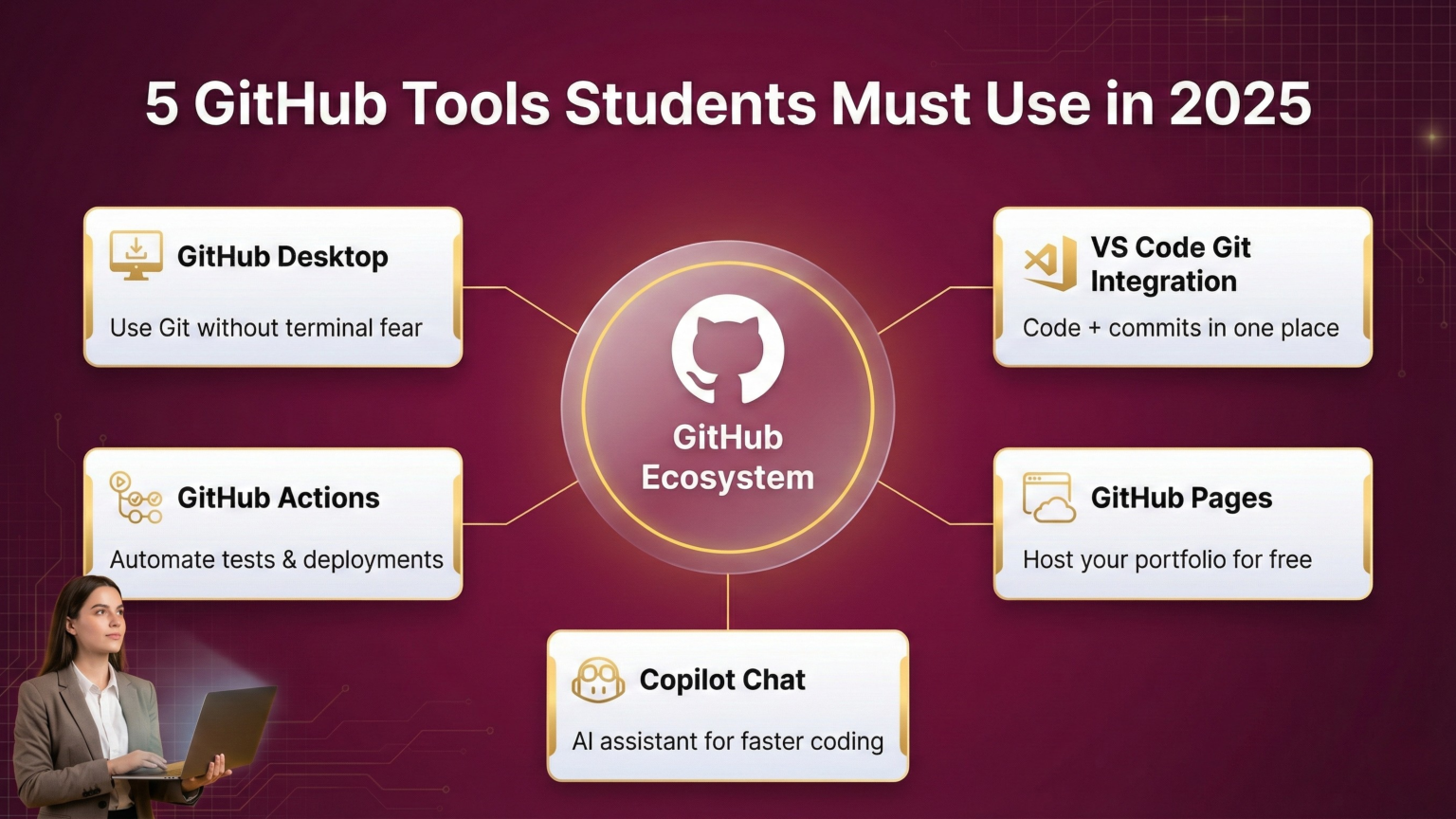
Many beginners struggle with Git commands in the terminal. That’s where GitHub Desktop helps.
GitHub Desktop is a visual Git application that lets you use Git features without typing commands.
Instead of using the terminal, you can manage your repositories with simple buttons and menus.
Why Students Need It:
What You Can Do with GitHub Desktop:
Best Use Case for Students:
You can manage all your Git workflow without remembering commands.
It’s perfect for your early learning phase and pairs well with VS Code.
Most developers use Visual Studio Code (VS Code) as their main editor.
VS Code comes with built-in Git features, making it extremely beginner friendly.
What is VS Code Git Integration?
It is a feature inside VS Code that allows you to:
Why Students Need It:
Key Features:
Example Workflow:
It’s the fastest and most practical workflow for all developers.
In 2025, companies expect developers to understand basic CI/CD (Continuous Integration / Continuous Deployment).
GitHub Actions makes this possible even for beginners.
What is GitHub Actions?
GitHub Actions lets you automate tasks in your GitHub repository.
You can create workflows that run automatically whenever you push code.
Why Students Need It:
Companies love developers who understand automation.
Without writing complicated scripts, GitHub Actions helps you learn:
This skill instantly makes you stand out as a job seeker.
What You Can Automate:
Example Scenario:
You create a MERN project.
Whenever you push code, GitHub Actions can automatically:
This is exactly how real-world CI/CD pipelines work.
One of the biggest advantages of GitHub is the ability to host static websites for free.
What is GitHub Pages?
GitHub Pages allows you to host:
Why Students Need It:
Because every student needs a portfolio.
GitHub Pages lets you publish your website in minutes and show it to recruiters.
Benefits for Students:
Example Uses:
How It Works:
This is one of the best tools for freshers to shine in job applications.
AI is transforming software development, and GitHub’s own AI tool Copilot Chat is one of the most powerful tools available today.
What is Copilot Chat?
Copilot Chat is an AI assistant built inside VS Code.
It helps you write code faster, fix errors, and understand concepts with simple prompts.
Why Students Need It:
What Copilot Chat Can Do:
Example Prompt:
“Create a React login form using Tailwind and connect it to a Node.js API.”
Copilot Chat instantly generates working code and explains each step.
Why Copilot Chat is a Superpower:
It acts like a senior developer sitting next to you guiding you, correcting you, and building with you.
If you want to become a Full Stack Developer or AI-Powered Full Stack Developer, Git & GitHub are must-learn skills.
Learn Git, GitHub & Full Stack Development at WHY TAP
Become a Job-Ready Developer
Master Git, GitHub, MERN, and AI-powered coding tools with WHY TAP’s 6-month full stack program.
Build a Standout GitHub Portfolio
Work on 10+ real-world projects and showcase them on GitHub to impress recruiters.
Learn Faster with AI-Assisted Coding
WHY TAP trains you to use Copilot, Cursor, and ChatGPT along with GitHub to accelerate your development journey.