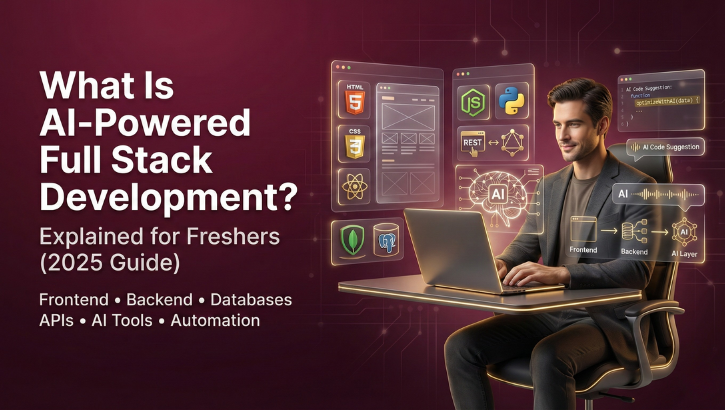
The world of software development is changing faster than ever. What used to take developers days can now be done in hours all thanks to AI-driven tools that assist with coding, debugging, documentation, testing, and even deployment. This new evolution of software engineering is known as AI-Powered Full Stack Development, and it is quickly becoming one of the most important skills for freshers entering the IT industry.
In this complete beginner-friendly guide, you’ll learn what AI-powered full stack development is, how it works, which tools are transforming the industry (GitHub Copilot, Cursor AI, ChatGPT, Windsurf, Replit AI, Claude), real-world examples, career scope, salaries, and how you can start learning it today with WHY TAP.
Let’s begin.
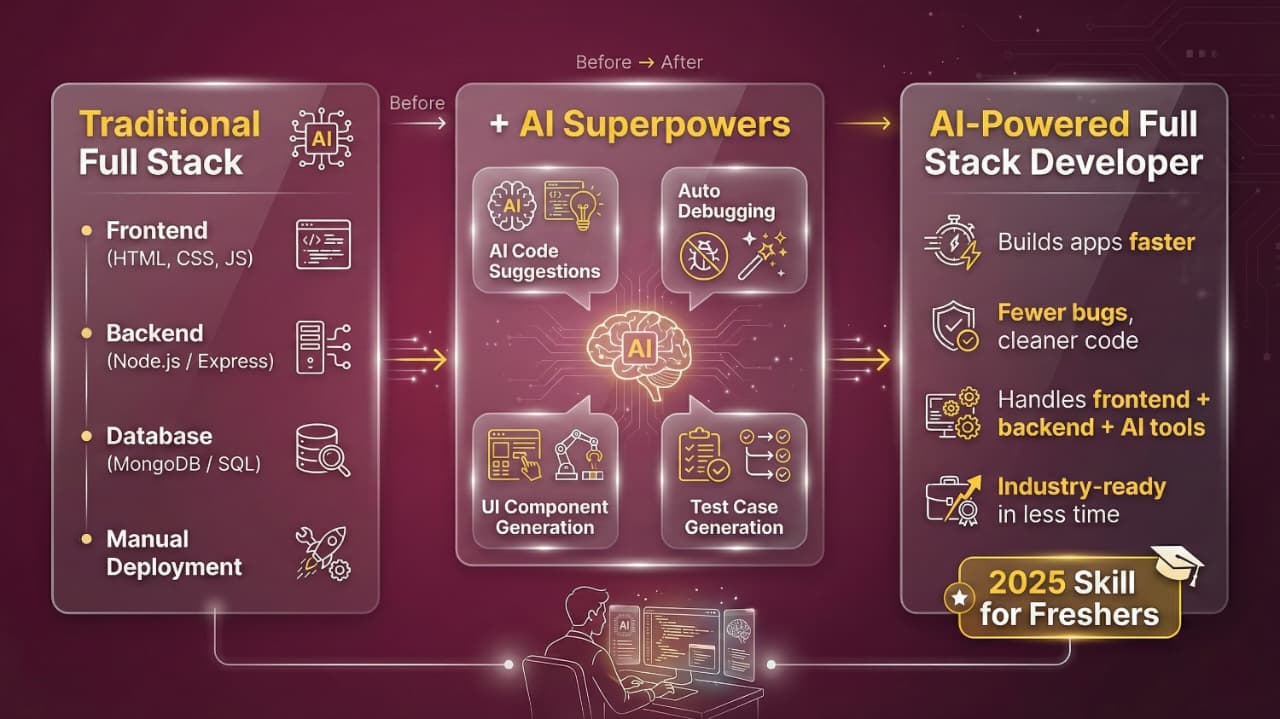
AI-Powered Full Stack Development is the process of building web applications using both traditional full stack skills (front-end + back-end + database + deployment) combined with artificial intelligence tools that assist, automate, and accelerate development tasks.
Instead of writing every single line of code manually, AI tools now help developers in:
In simple words:
AI-Powered Full Stack Developer = Full stack developer + Supercharged with AI tools
This does not replace developers. It makes them faster, smarter, and more productive.
Why AI-Powered Full Stack Development Matters in 2025
Here’s why companies are shifting to AI-enabled developers:
Tasks that took hours—debugging, code research, writing boilerplate—are done instantly with AI.
Startups prefer engineers who can handle front-end, back-end, and AI tools.
AI tools catch bugs instantly and suggest cleaner code.
Even beginners can create complex applications with AI’s support.
Organizations now prefer AI-literate engineers and offer 20–40% higher salaries.
Traditional Full Stack Development vs AI-Powered Full Stack Development
| Feature | Traditional Developer | AI-Powered Full Stack Developer | ||||
|---|---|---|---|---|---|---|
| Code writing | Debugging | Documentation | Speed | Learning curve | Productivity | Starting difficulty |
| Manual | Time consuming | Manual | Normal | Steep | Moderate | Hard for beginners |
| AI-assisted | AI auto-fixes | Auto-generated | 3–4x faster | AI-guided | Very high | Simple with AI |
Conclusion:
AI doesn’t replace developers, it boosts them.
AI assists in every stage of building applications. Here’s how:
AI tools can:
Writing code feels like “pair programming with a senior developer.”
Example:
“Create a login form with React + Tailwind” AI instantly generates complete working code.
Instead of spending hours fixing bugs:
This turns every beginner into a confident problem solver.
AI generates:
You just describe what you want.
Example prompt:
“Create a modern 3-card pricing section using React + Tailwind”
Freshers struggle with deciding:
AI can generate architecture diagrams and folder structures instantly.
Example prompt:
“Create a MERN architecture for a job portal with authentication.”
AI can help you create:
Just describe the requirement.
AI generates:
It even explains how each part works.
AI can generate:
This is especially helpful for beginners.
AI guides you through deploying on:
You just follow the step-by-step instructions.
Here are the most powerful tools used worldwide:
GitHub Copilot is Built on OpenAI Codex
Best for:
Why developers love it:
It writes 40–60% of your code automatically.
Cursor AI is a dedicated AI coding editor.
Features:
Cursor is loved by full stack developers because it feels like a personal AI software engineer.
Best for beginners.
Uses:
Great for:
Replit AI is Perfect for:
Best tool for:
Real-World Examples (Explained Simply)
Here are simple examples to show freshmen how powerful AI has become.
Example 1: Creating a Complete Login System (MERN)
You type:
“Create a MERN login system with JWT authentication.”
AI generates:
What used to take 3 days is now done in 30 minutes.
Example 2: Building an E-Commerce Product Page
You type:
“Build a product listing page with filters in React.”
AI gives:
Example 3: Creating REST API for a Job Portal
You type:
“Design backend APIs for job posting, search, and applications.”
AI generates:
Example 4: Deploying to Vercel/Render
You type:
“Deploy the backend to Render step-by-step.”
AI gives you:
Even beginners can deploy confidently.
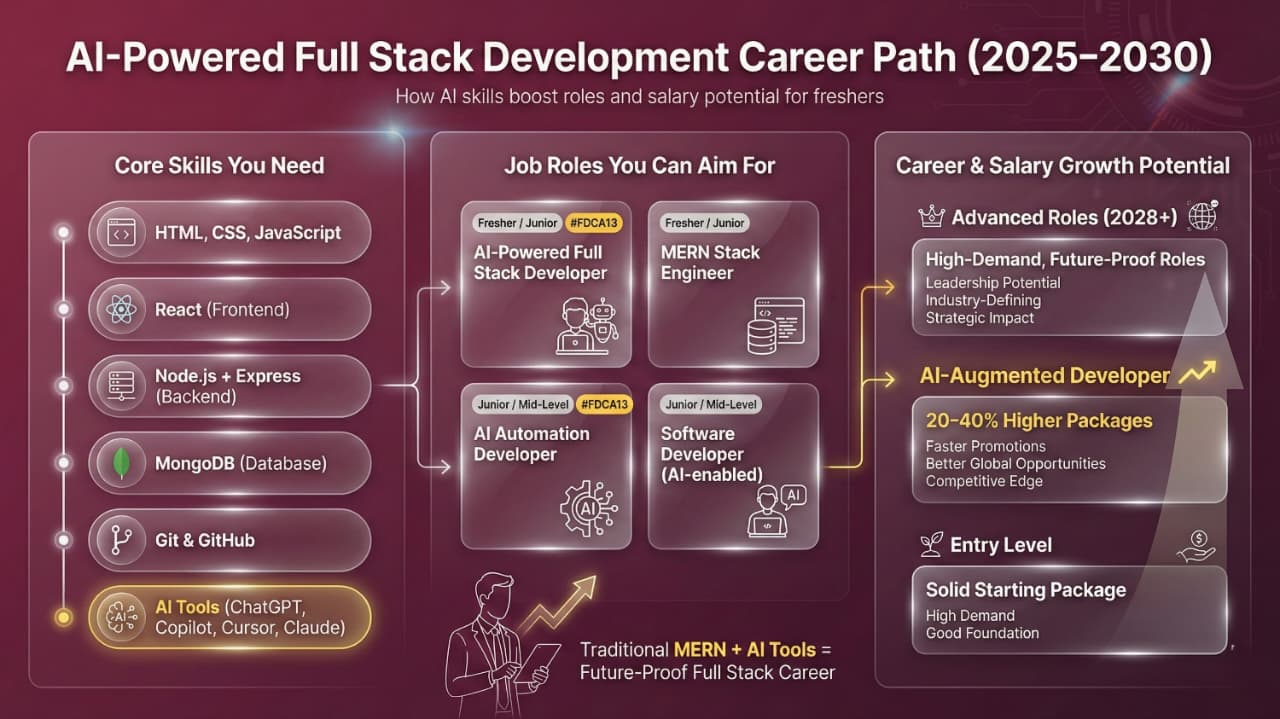
Career Scope of AI-Powered Full Stack Development (2025–2030)
AI-powered developers are becoming the most valuable engineers.
Popular job roles:
Industries hiring AI-powered developers:
Salary Expectations (India, 2025)
RoleFresher SalaryAI-Powered Full Stack Developer₹5–8 LPAFull Stack Developer₹4–6 LPAAI Automation Developer₹6–10 LPAMERN Stack Developer₹4–7 LPA
AI-skilled developers earn 20–40% higher packages.
How Freshers Can Start Learning AI-Powered Full Stack Development
If you’re a beginner:
Step 1: Learn basics of HTML, CSS, JavaScript
Step 2: Learn React (UI)
Step 3: Learn Node.js + Express (backend)
Step 4: Learn MongoDB
Step 5: Build 5–10 projects
Step 6: Add AI tools into your workflow
Step 7: Build a strong portfolio
Step 8: Apply for jobs & internships
With AI tools helping you, the journey has become much easier.
Beginners’ Project Ideas (AI-Assisted)
Here are portfolio-ready projects freshers can build using AI:
Each of these can be coded much faster with AI’s help.
AI Will NOT Replace Full Stack Developers: Here’s Why
AI can’t replace human creativity
AI cannot understand business goals deeply
Human problem-solving is irreplaceable
Developers still control architecture & logic
AI is only a tool, the developer is the master
AI doesn’t replace you. It makes you unstoppable.
AI-powered full stack development is no longer the future—it’s the present. Companies are hiring developers who know how to combine traditional MERN stack knowledge with modern AI tools. This new wave of engineering increases productivity, reduces development time, and empowers beginners to build professional applications faster than ever before.
If you’re entering the IT field in 2025, learning AI-powered full stack development is one of the smartest careers moves you can make.